< Back to blog
Blog/career

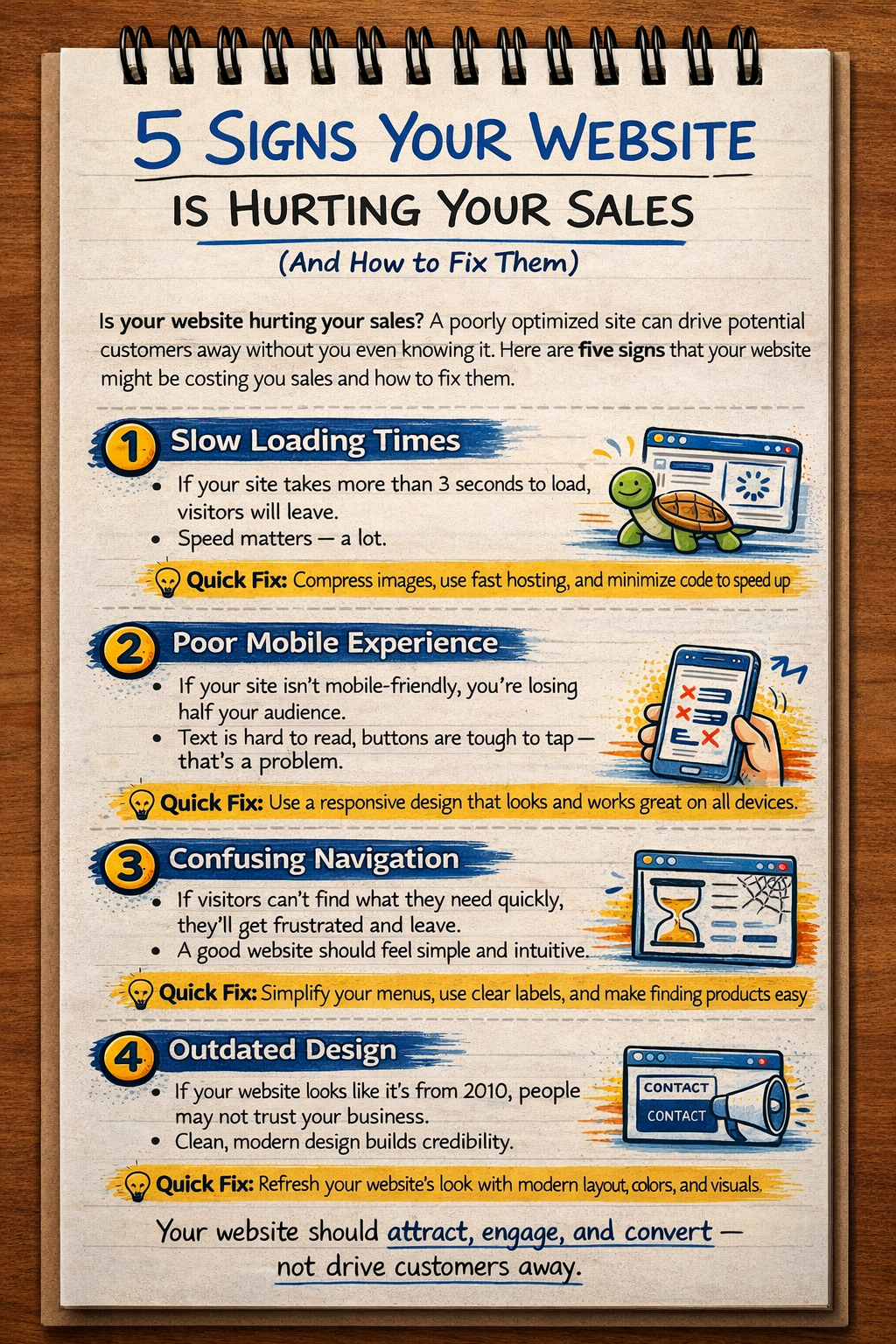
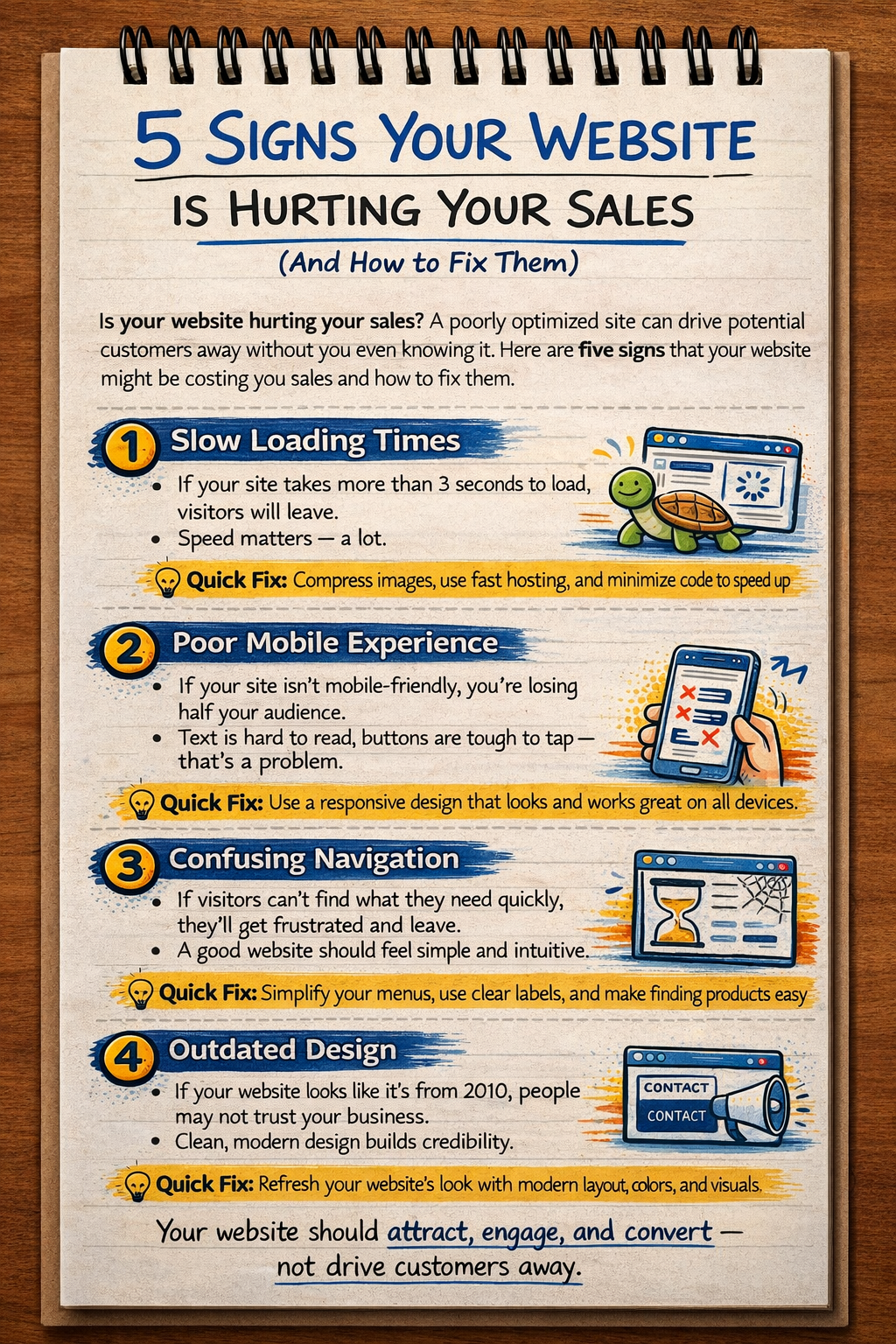
5 Signs Your Website Is Hurting Your Sales

Is your website losing you customers? Here are five clear warning signs — and exactly how to fix each one to recover lost revenue.

19 Mar 2026/10 min read
website hurting saleswebsite conversion problemswhy website not converting

Article

Clean hierarchy, tighter spacing, and readable markdown blocks across desktop and mobile.

10 minute read

TL;DR: A badly performing website doesn't just fail to help you — it actively costs you money. The five most damaging problems are slow load speed, unclear messaging, missing trust signals, broken mobile experience, and no clear next step. Each one is fixable in days, not months.


Most business owners know when a website is bad. Dated design, broken links, mobile layout that's obviously an afterthought.

But plenty of websites look fine on the surface while quietly killing the business's sales pipeline. The design is clean. The copy seems reasonable. The founder is proud of it.

Meanwhile, 70% of visitors leave without doing anything.

This post covers the five most damaging patterns — the ones that show up most often in audits and cause the most measurable revenue loss. For each one, I'll tell you how to identify it and exactly what to do.


Sign 1: Your Page Takes More Than 3 Seconds to Load

This is the single most financially damaging website problem, and it's often invisible to the business owner because they're usually on a fast connection viewing a cached version.

The data here is stark:

  • A 1-second delay in page load time reduces conversions by 7% (Akamai)
  • 53% of mobile users abandon a site if it takes more than 3 seconds to load (Google)
  • Pages that load in 1 second convert 3x better than pages that load in 5 seconds

If your website is on shared WordPress hosting with 15 plugins, large uncompressed images, and no caching layer, you are almost certainly losing customers to load speed alone.

How to Check

Go to PageSpeed Insights and enter your URL. Look at your mobile score. A score below 50 is a serious problem. Below 70 is hurting you. Above 90 is where you want to be.

Also check your Core Web Vitals: Largest Contentful Paint (LCP) should be under 2.5 seconds, Cumulative Layout Shift (CLS) should be under 0.1, and Interaction to Next Paint (INP) should be under 200ms.

How to Fix It

Quick fixes (hours):

  • Compress all images using tools like Squoosh or TinyPNG
  • Enable browser caching and GZIP compression on your hosting
  • Remove unused plugins if you're on WordPress
  • Move to a CDN (Cloudflare has a free tier)

Structural fix (days to weeks): The most effective long-term solution is rebuilding on a modern framework like Next.js with static generation. A Next.js site with proper image optimisation and a CDN regularly scores 95+ on PageSpeed. The difference in conversion rates is measurable.


Sign 2: Visitors Can't Tell What You Do in 5 Seconds

When someone lands on your website, you have approximately 5 seconds before they make a keep-or-leave decision. In those 5 seconds, your homepage needs to answer three questions:

  1. What do you do?
  2. Who is it for?
  3. Why should I care?

If your homepage headline is your company name, your mission statement, or something like "Innovation for the Modern World" — you're losing people.

How to Check

Ask three people who don't know your business to look at your homepage for 5 seconds and then tell you what you do. If they can't answer accurately, your messaging is the problem.

You can also look at your bounce rate in Google Analytics. A homepage bounce rate above 65-70% usually signals a messaging problem.

How to Fix It

Rewrite your headline. It should name who you serve and what you help them achieve.

Formula: [Who you help] + [specific outcome] + [differentiator or timeframe]

Examples:

  • "We help UK recruitment firms get more client enquiries through technical SEO and fast websites"
  • "Full-stack web development for startups — from brief to launch in 10 days"
  • "E-commerce websites that load fast, rank well, and convert better"

Put the headline above the fold. Don't make visitors scroll to find out what you do.

Add a single, clear CTA directly under the headline. "Get a free quote" or "Book a discovery call" — one action, not three.


Sign 3: You Have No Visible Trust Signals

People buy from people and businesses they trust. Trust is built offline through relationships and reputation. Online, it's built through social proof.

If your website has no testimonials, no client logos, no case studies, no certifications, no named team — visitors are making a trust decision in a vacuum. Most of them will leave.

The Trust Signal Audit

Go through your website and check for:

  • Client testimonials (real names, real companies, not "John D., Business Owner")
  • Named case studies with specific results
  • Client logos or "as seen in" press mentions
  • Team photos and bios
  • Professional certifications or partnerships
  • Secure checkout badges (for e-commerce)
  • Clear contact information (phone, address, not just a form)
  • Review scores from Google, Trustpilot, Clutch, etc.

How to Fix It

Get 3-5 testimonials immediately. Email past clients and ask for a short quote. Make it easy — give them a prompt: "Could you write 2-3 sentences about the results you saw and what it was like to work with us?"

Add specific numbers. "Dipanshu helped AaoCollege generate 20% more leads" is far more credible than "He was great to work with." Numbers are specific, specific is credible.

Show your face. Businesses with a real human being visible on the website convert better than faceless brands. Add a team page or a founder photo on the About page.


Sign 4: Your Mobile Experience Is an Afterthought

In 2025, over 60% of web traffic globally comes from mobile devices. In India, it's closer to 80%. Yet a huge proportion of business websites are clearly designed desktop-first with mobile as an awkward resize.

The signs are obvious when you look on a phone: text too small to read, buttons too close together, content overflowing horizontally, forms that are impossible to fill out with thumbs.

How to Check

View your own website on your phone. Really use it. Try to fill in the contact form. Try to read a full page of text. Notice if anything is frustrating.

Then check your analytics: what's the conversion rate on mobile vs desktop? If desktop converts at 3% and mobile converts at 0.3%, mobile UX is broken.

The Mobile Experience Checklist

  • Text readable without zooming (minimum 16px body text)
  • Buttons large enough to tap (minimum 44x44px)
  • No horizontal scrolling
  • Forms easy to complete on a touchscreen (right input types, large fields)
  • Navigation accessible without a hover state
  • Images load at appropriate sizes for screen width
  • Phone numbers click-to-call automatically
  • Page loads in under 3 seconds on a 4G connection

How to Fix It

If your site is on a modern framework or a well-maintained WordPress theme, a lot of this can be fixed with CSS adjustments.

If the fundamental layout is broken on mobile, the fastest fix is often a purpose-built mobile version of the homepage and key landing pages, rather than patching an existing broken layout.

For new builds, this is why mobile-first design matters. At dipanshudev.com, every project is designed and tested on mobile before desktop.


Sign 5: There's No Clear Next Step (Missing or Weak CTA)

You've got a visitor who's interested. They've read your services page. They like what they see. And then... nothing. The page ends. They scroll back up, look for something to click, don't find a compelling prompt, and leave.

This is a conversion design failure. Every page on your website should have a clear, single, contextually appropriate call to action.

The CTA Audit

Go through each page of your website and ask: "If someone read this whole page and was convinced, what's the one thing I want them to do next?"

Common problems:

  • No CTA at all (surprisingly common on service pages)
  • Multiple competing CTAs that create decision paralysis
  • Weak CTAs ("Learn more", "Click here") with no value statement
  • CTA only at the top of the page, not repeated at the bottom
  • CTA is a button but doesn't look like one

Strong vs Weak CTAs

WeakStrong
"Click here""Get your free website audit"
"Contact us""Book a 20-minute discovery call"
"Learn more""See how we built IndianTradeMART"
"Submit""Send my enquiry"
"Sign up""Start your 14-day free trial"

How to Fix It

Make it specific. Tell the visitor exactly what happens when they click.

Make it value-forward. The CTA should state what they get, not what they have to do.

Put it in the right places: top of page (above the fold), after your main value proposition, after testimonials, and at the bottom of every page.

Use contrasting colour. Your CTA button should stand out visually from the rest of the page. If everything is the same shade, nothing draws the eye.

Reduce friction. "Book a 15-minute call" converts better than "Fill in our enquiry form" because it feels lighter and less committed.


The Compounding Effect

Here's what makes these five problems particularly damaging: they compound.

A slow, unclear, untrustworthy website with poor mobile experience and no CTAs doesn't just lose some customers. It makes every marketing investment you make less effective. Every pound you spend on Google Ads, LinkedIn, Instagram — all of it is being sent to a leaking funnel.

Fixing these issues doesn't just improve your website. It improves the ROI of everything else you do to drive traffic.


Priority Order for Fixes

If you can only tackle one thing at a time, here's the order of impact:

  1. Page speed — affects every single visitor, measurable immediately
  2. Headline and messaging — the first thing every visitor sees
  3. CTAs — the last step before conversion, most directly tied to revenue
  4. Mobile experience — affects 60%+ of your traffic
  5. Trust signals — long-term credibility builder, particularly important for higher-value purchases

Most of these can be improved within a week. A full rebuild addressing all five — with modern architecture, SEO foundations, and conversion-optimised design — typically takes 3-4 weeks.

See what that looks like at dipanshudev.com/services.


FAQ: Website Conversion Problems

How do I know if my website is hurting my sales? The clearest indicators are: high bounce rate (above 65%), low time on page (under 60 seconds for content-heavy pages), low conversion rate (under 1% for B2B, under 2-3% for e-commerce), and mobile vs desktop conversion gap. Google Analytics and PageSpeed Insights give you most of this data for free.

What is a good website conversion rate? For B2B service businesses, 1-3% is typical. For e-commerce, 2-4% is average, with top performers hitting 5-8%. If you're below 1% on a service site, you have a fixable problem somewhere in the funnel.

Does page speed really affect sales? Yes, significantly. Amazon found that every 100ms increase in load time cost them 1% in revenue. For a business doing £10,000/month online, a slow website that cuts conversions by 20% is costing £2,000 per month — more than a full rebuild typically costs.

How long does it take to fix conversion problems? Quick fixes (image compression, CTA copy, adding testimonials) can be done in days. Structural changes (page speed rebuild, mobile UX overhaul, messaging rewrite) take 2-4 weeks. The ROI timeline is typically 1-3 months to recoup the fix cost through improved conversions.

Should I redesign my whole website or just fix the problems? Fix first, redesign if needed. If the underlying issue is slow hosting or missing CTAs, you don't need a full redesign — you need targeted fixes. A full redesign makes sense when the problems are structural: outdated technology, mobile-unfriendly framework, or messaging that's fundamentally off-brand.

Need this done properly

Build, performance, SEO, and content can be handled in one delivery flow.

If you are planning a business site, technical blog, or product build that needs to look sharp and rank cleanly, the same approach can be applied to your stack.

Keep reading

Related articles

More posts connected to the same delivery, SEO, or product engineering themes.

View all articles