


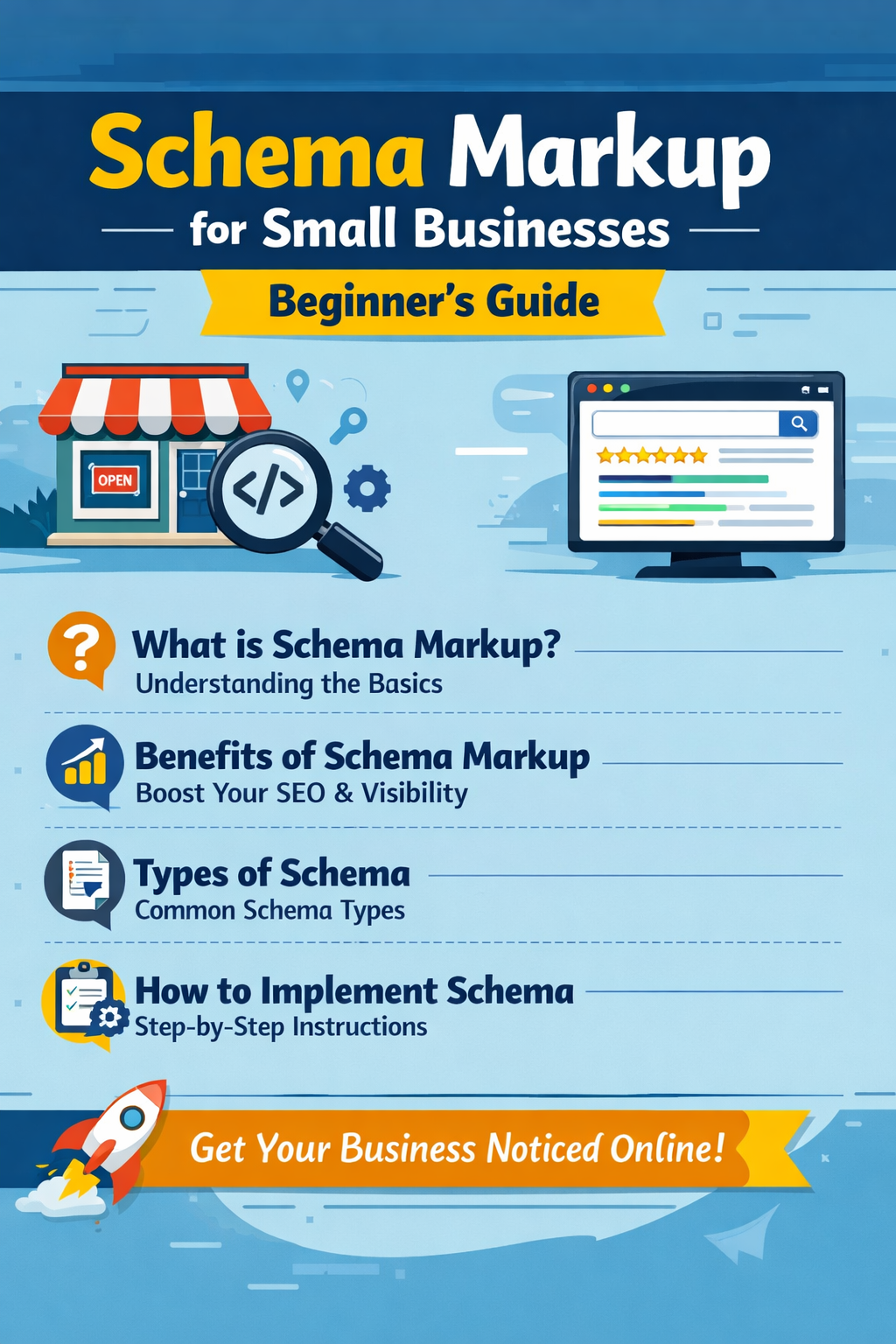
Schema Markup for Small Businesses: Beginner's Guide
Schema markup explained simply for small business owners. Learn what it is, why it matters, and how to add it — no coding knowledge required.
Structured like an editorial page, with a cleaner reading flow instead of repeated card blocks.
In today’s competitive digital market, simply having a website is not enough for a small business. If you want your business to stand out in search results, attract more clicks, and build trust online, you need to help search engines understand your website better. That is where schema markup comes in. Schema markup is a type of structured data that you add to your website’s code so that search engines like Google can better interpret your content. Instead of just reading plain text, search engines can identify whether your page is about a local business, a service, a product, a review, an FAQ, or an event. For small businesses, this can make a major difference because it improves how your website appears in search results and increases the chances of attracting the right audience.
At a beginner level, schema markup may sound technical, but the concept is simple. Think of it as a way of giving extra context to search engines. For example, if your website mentions your business name, address, phone number, opening hours, and services, schema markup tells Google exactly what each of those details means. Without schema, search engines try to guess the meaning of the content. With schema, you make it clear and structured. This can help your business show enhanced search results, often called rich results, which may include ratings, reviews, business details, FAQs, and more. For a small business, these enhanced results can improve visibility and trust before a user even visits the website.
One of the biggest reasons schema markup matters for small businesses is that it supports local SEO. Many small businesses depend on local customers who search for services nearby, such as “best salon near me,” “digital marketing agency in Delhi,” or “plumber in Noida.” Search engines want to show accurate and relevant local results, and schema markup helps provide that accuracy. When your website clearly tells search engines who you are, what you do, where you are located, and how people can contact you, your business becomes easier to understand and easier to display in relevant searches. This is especially important for small businesses competing with larger brands, because schema gives you an opportunity to appear more professional and search-friendly without spending heavily on ads.
There are several types of schema markup, but beginners should focus on the most useful ones first. The most important type for many small businesses is LocalBusiness schema. This helps define your business name, address, phone number, website, opening hours, area served, and business category. If you run a local shop, clinic, consultancy, agency, restaurant, or service-based business, LocalBusiness schema is often the best place to start. Another valuable type is Organization schema, which helps search engines understand your company as an entity. For service-based websites, Service schema can describe the services you offer. If your website has frequently asked questions, FAQ schema can make your search results more informative and clickable. If you display products, Product schema becomes useful. If you collect customer feedback, Review schema can also help, though it should be used carefully and honestly.
For beginners, it is important to understand that schema markup is not a shortcut to instant rankings. It does not guarantee that your website will reach the top position overnight. However, it improves the way search engines understand your site, which can support your overall SEO strategy. It also improves the presentation of your website in search results. A normal search result might only show a title and a description, but a schema-enhanced result may show ratings, business details, FAQs, and other useful information. This can increase click-through rates because users see more relevant and trustworthy information before they click.
The best format for adding schema markup today is JSON-LD. This is the format recommended by Google because it is cleaner, easier to maintain, and does not interfere much with your page content. Developers usually place JSON-LD schema inside the head section or body of a webpage using a script tag. Even though the code may look technical, it is usually straightforward once you understand the structure. For example, a small business schema may include fields like business name, type, image, phone number, address, and opening hours. If you are using platforms like WordPress, Shopify, or website builders, there are plugins and built-in SEO tools that can generate some schema automatically. However, business owners should still understand the basics so they know what has been added and whether it matches the real business information.
Accuracy is extremely important in schema markup. Whatever information you mark up should match the visible content on your website. If your schema says your business opens at 9 AM but your website says 10 AM, this creates inconsistency. The same goes for your address, phone number, service area, and business name. Search engines value consistency, and inaccurate structured data can reduce trust. For local businesses, your Name, Address, and Phone Number should be the same across your website, Google Business Profile, and other directories. Schema markup works best when it supports a clean and consistent digital presence.
Another beginner-friendly way to think about schema is that it supports both users and search engines. While users may not see the code directly, they may see the benefit through better search results. For example, if your page uses FAQ schema correctly, users may see questions and answers directly in the search listing. If your business details are clearly structured, search engines can use them more effectively in local search experiences. This can make your brand look more reliable and professional. For a small business trying to win trust quickly, even a small improvement in search appearance can create a meaningful business impact.
Small businesses often make a few common mistakes when implementing schema markup. One mistake is adding the wrong schema type. For example, a service business may add Product schema where Service schema would be more appropriate. Another mistake is using incomplete data, such as adding only the business name but skipping address, phone number, or opening hours. Some businesses also use automated schema tools without checking whether the generated content is accurate. In other cases, websites add schema markup but never test it. These mistakes reduce the value of structured data and may prevent search engines from using it effectively. Beginners should focus on keeping schema simple, accurate, and relevant instead of trying to add every type at once.
The process of getting started with schema markup can be simple. First, identify the most important pages on your website. Usually this includes the homepage, about page, service pages, contact page, product pages, and FAQ pages. Second, decide which schema type fits each page best. The homepage may use Organization or LocalBusiness schema, service pages may use Service schema, and FAQ pages may use FAQ schema. Third, create the markup in JSON-LD format. Fourth, add it to the website. Finally, test it using structured data validation tools to make sure there are no errors. Once the markup is live, monitor your website performance through Google Search Console and keep your information updated as your business changes.
For small businesses, schema markup should be seen as part of a bigger SEO strategy. It works best when combined with strong on-page SEO, fast website performance, mobile-friendly design, clear navigation, quality content, and local SEO optimization. Schema does not replace these things, but it strengthens them. If your website already has useful content and a clear business offering, schema helps search engines interpret that value more effectively. If your website is slow, confusing, or missing important content, schema alone will not solve those deeper issues.
In conclusion, schema markup is one of the smartest beginner-level SEO improvements a small business can make. It helps search engines understand your website, improves your chances of showing rich results, supports local SEO, and builds trust with potential customers. Most importantly, it allows small businesses to present themselves more clearly in a crowded online market. You do not need to be an advanced developer to start using schema markup. With the right basics, a simple implementation, and accurate business data, even a small website can become more search-friendly and more competitive. For small businesses looking to improve online visibility without relying only on paid advertising, schema markup is not just a technical feature — it is a practical growth tool.
Article gallery
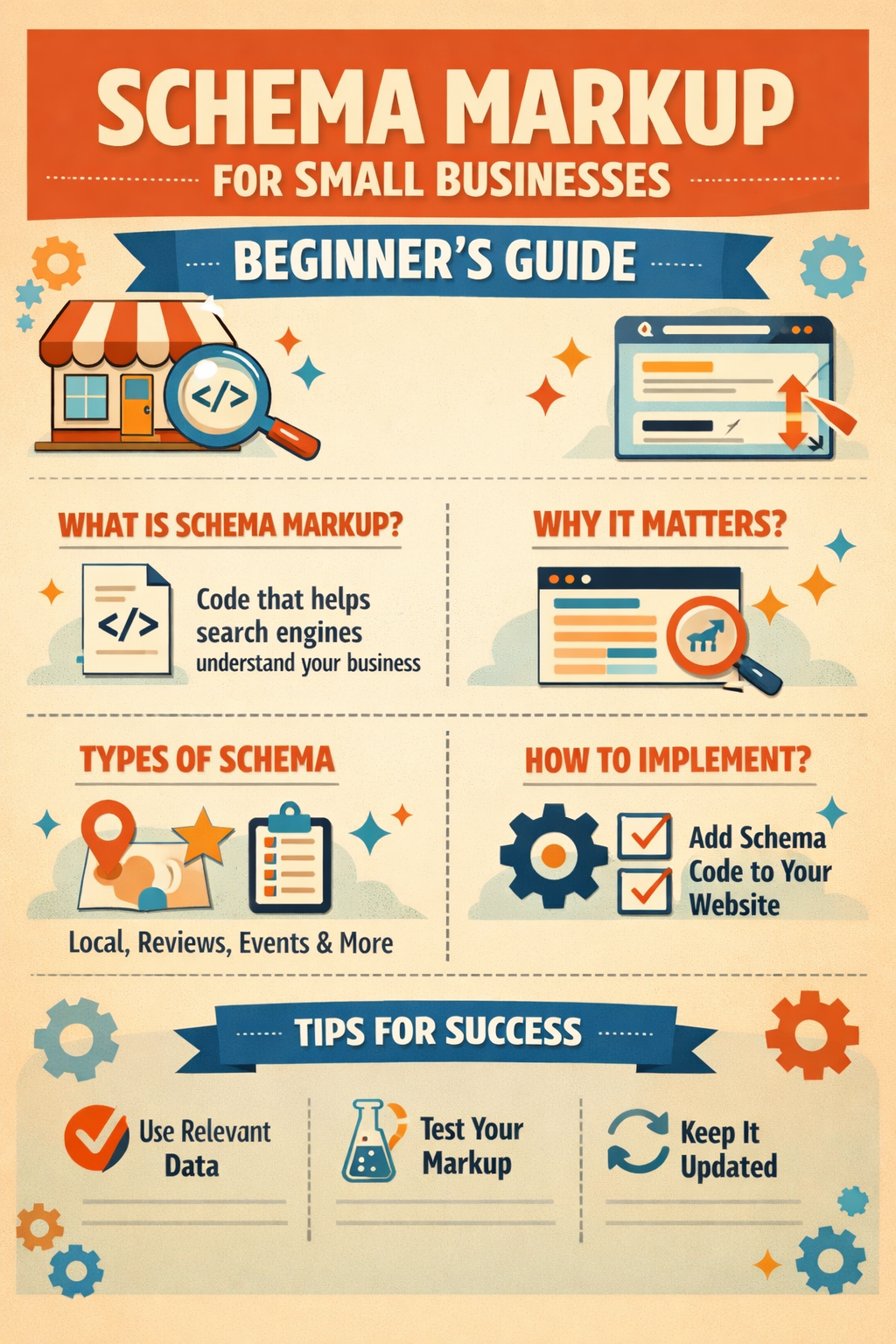
Schema Markup for Small Businesses: Beginner's Guide visuals from the admin gallery
Need this done properly
Build, performance, SEO, and content can be handled in one delivery flow.
If you are planning a business site, technical blog, or product build that needs to look sharp and rank cleanly, the same approach can be applied to your stack.